Skip the plumbing.
Ship the business logic.
ASP.NET Boilerplate is an open-source application framework for ASP.NET Core. Layered DDD architecture, a module system and multi-tenancy come built in; authorization, validation, transactions and audit logs happen by convention. MIT licensed, in production since 2013.
- GitHub stars12k
- NuGet downloads25.7M
- Latest releasev10.5.1 Oct 2026
- .NET FoundationSupported project
Write business code, not plumbing.
The same use case, written twice. On the right, ASP.NET Boilerplate handles the cross-cutting work by convention. The numbers show where each piece comes from.
Plain ASP.NET Core
40 linesWith ASP.NET Boilerplate
17 lines- 1Authorization. [AbpAuthorize] checks the permission before the method runs.
- 2Validation. CreateProductInput is validated from its data annotations.
- 3Unit of work. The method is one transaction: it commits or rolls back.
- 4Audit log. Caller, method, parameters and duration are recorded.
- 5Exception handling. Errors become consistent, user-friendly API responses.
- 6Dependency injection. Application services are registered by convention.
The parts every business app needs, already solved.
Layered DDD architecture
Entities, repositories, domain and application services with clear boundaries from the first commit.
Docs →Module system
Split features into modules with their own dependencies, configuration and lifecycle.
Docs →Multi-tenancy, database to UI
Tenant isolation in data filters, settings and the UI — one shared database or one per tenant.
Docs →Authorization & permissions
Define a permission once, then check it on methods, APIs and in the UI.
Docs →Localization & settings
Multi-language apps, plus settings at application, tenant and user level.
Docs →Background jobs & real-time
A persistent job queue, background workers and SignalR notifications to connected users.
Docs →Start from a working app, not an empty folder.
Login, users, roles and tenants are already wired up. Free, and yours to change.
- Login, registration & tenant switch
- User, role & tenant management
- Permission checks in UI and API
- Swagger UI and test projects
Need a production-ready starting point?
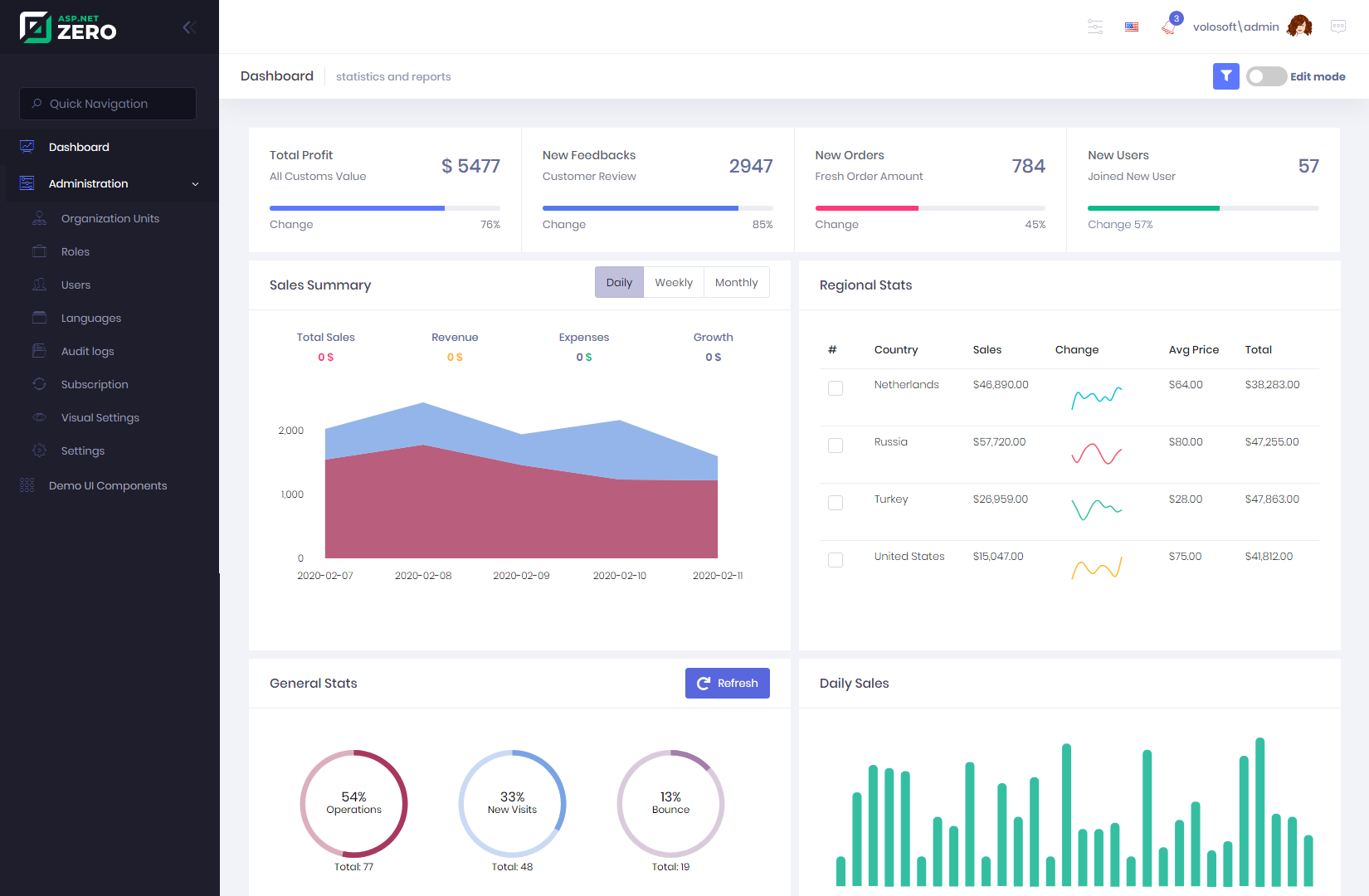
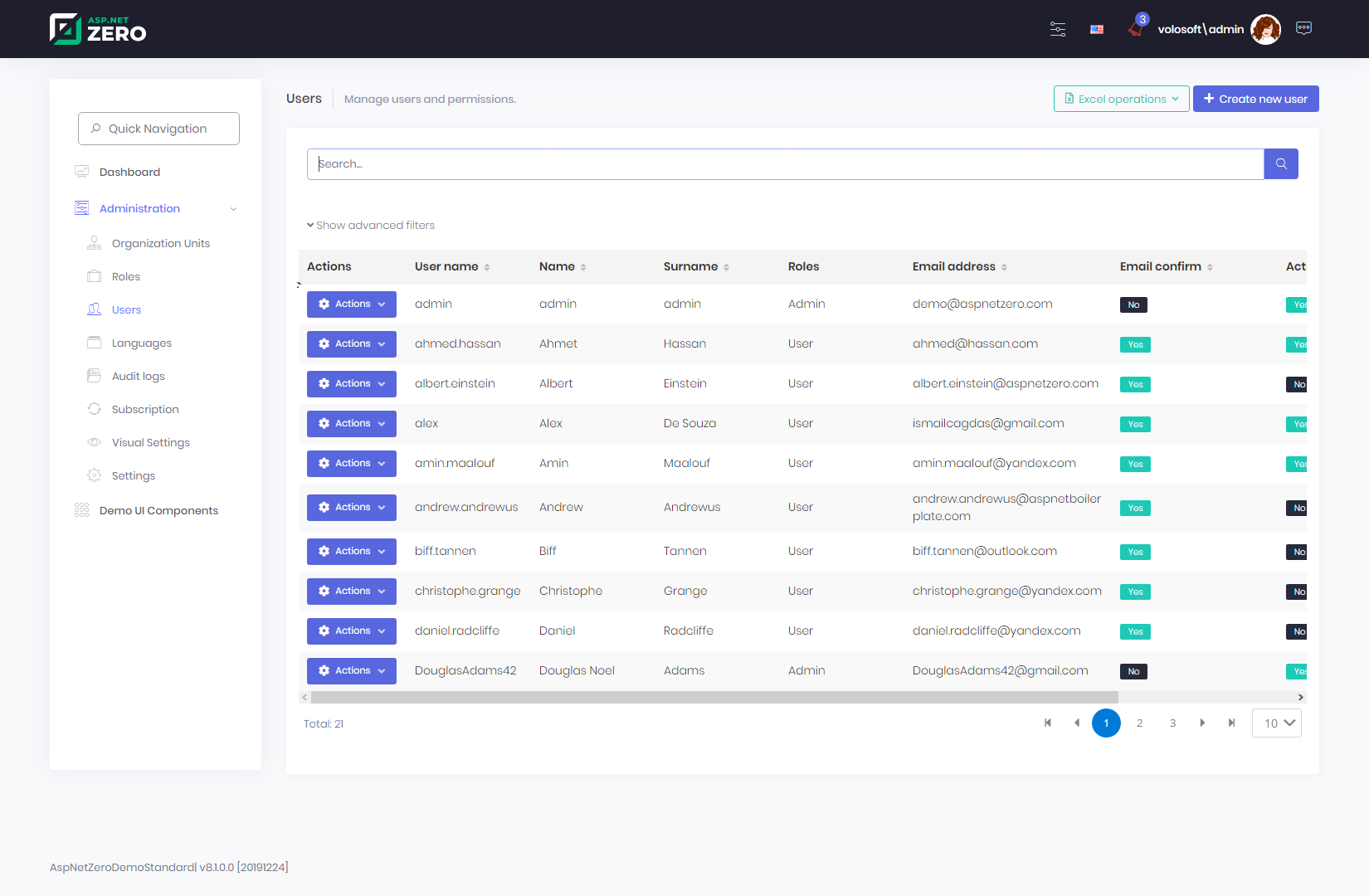
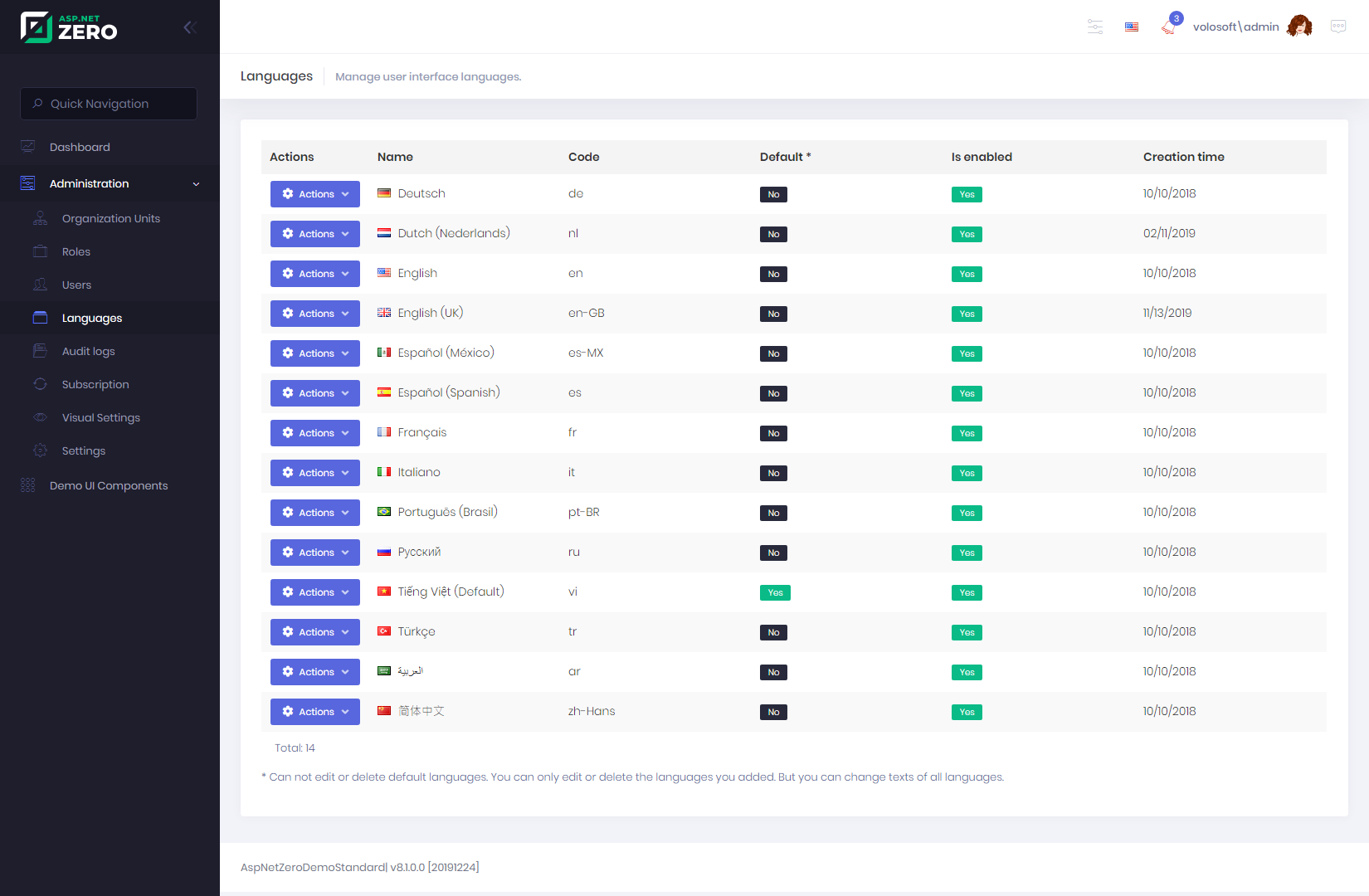
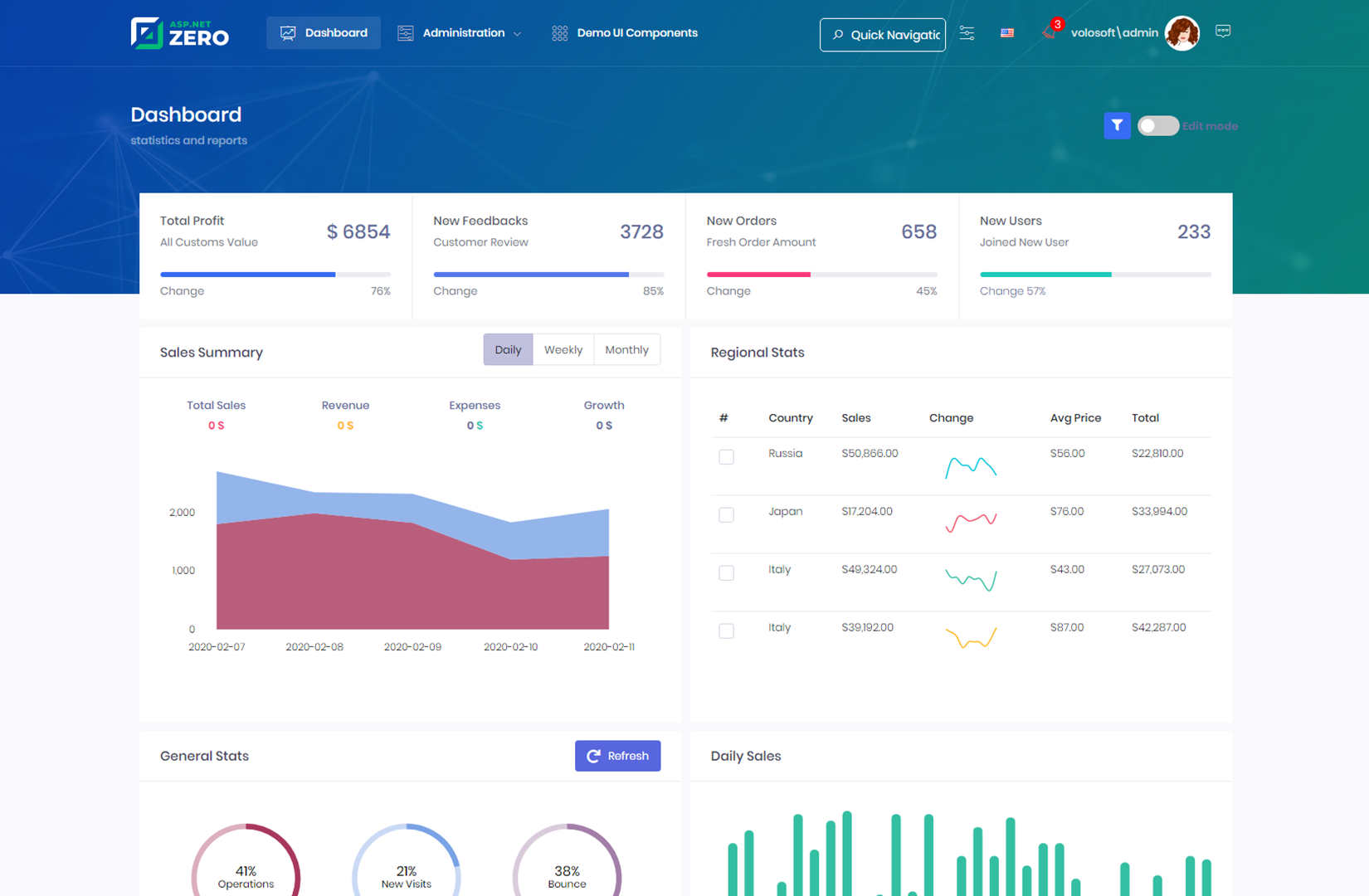
ASP.NET Zero is our commercial solution, built on ASP.NET Boilerplate. It adds the screens, integrations and tooling most SaaS and line-of-business apps end up building anyway, so your team starts on features.
| Feature | Free template | ASP.NET Zero |
|---|---|---|
| .NET version | .NET 9 | Latest .NET |
| User, role & permission management UI | Basic | Included |
| Tenant management & editions | Tenants only | Included |
| Subscriptions & payment (Stripe, PayPal) | Not included | Included |
| UI themes | 1 default | 12+ themes |
| RAD code generator (Power Tools) | Not included | Included |
| Audit log UI | Not included | Included |
| Organization units | API only | Included |
| Chat & real-time notifications | Not included | Included |
| LDAP & social logins | Not included | Included |
| Premium support | Community | Included |
| …and many more features | See all ↗ |